> For the complete documentation index, see [llms.txt](https://docs.motif.finance/llms.txt). Markdown versions of documentation pages are available by appending `.md` to page URLs; this page is available as [Markdown](https://docs.motif.finance/user-guide-bitdsm-testnet/how-to-mint-dtp/create-bod.md).
# Create BOD
To begin, you need to create a BOD, co-sign it with an Operator, and deploy a smart contract (which is a representation of the state of the BOD on the Ethereum blockchain) by following these steps (it is recommended that you use the OKX wallet as you need to connect both a BTC and ETH wallet):
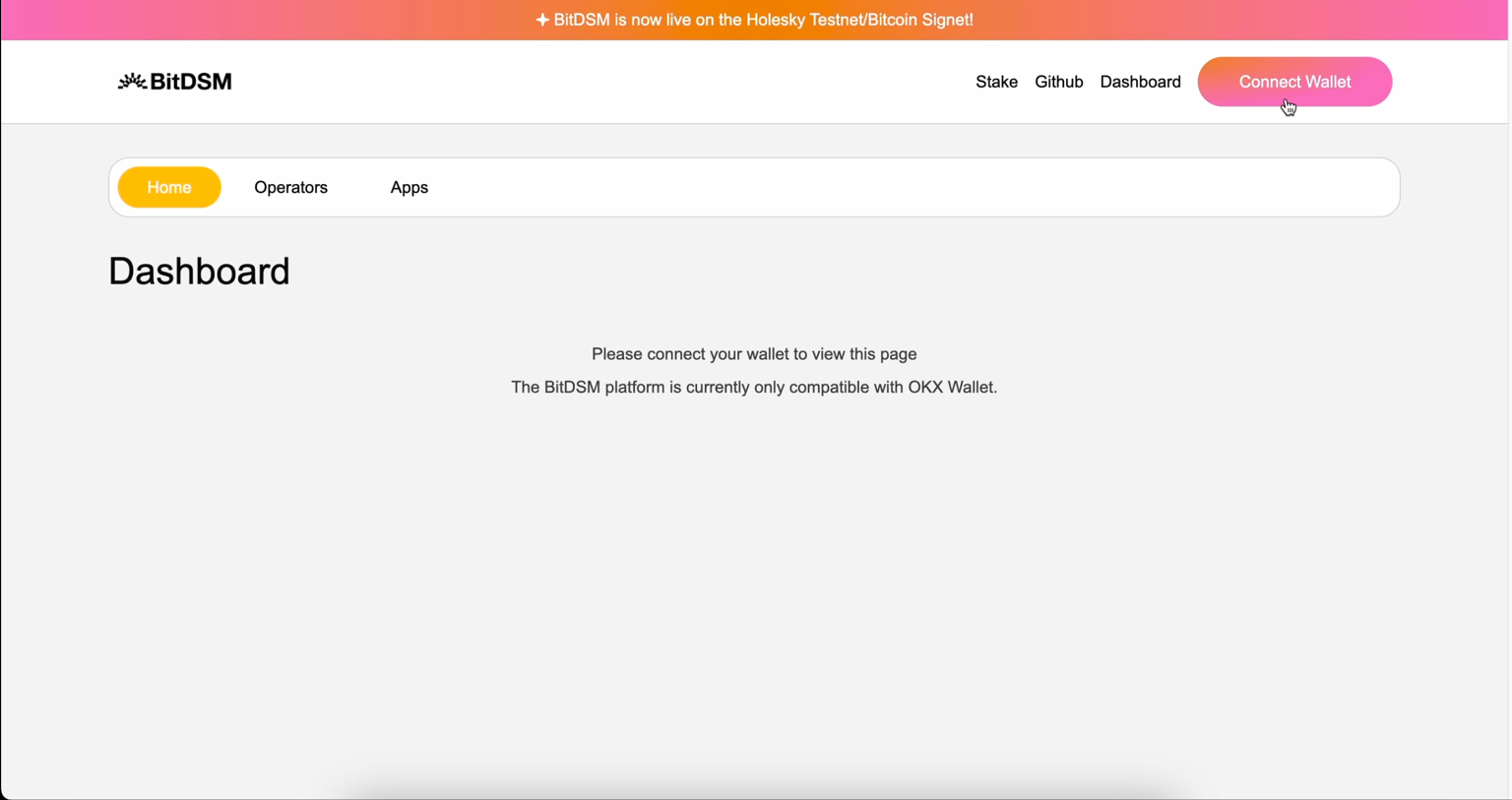
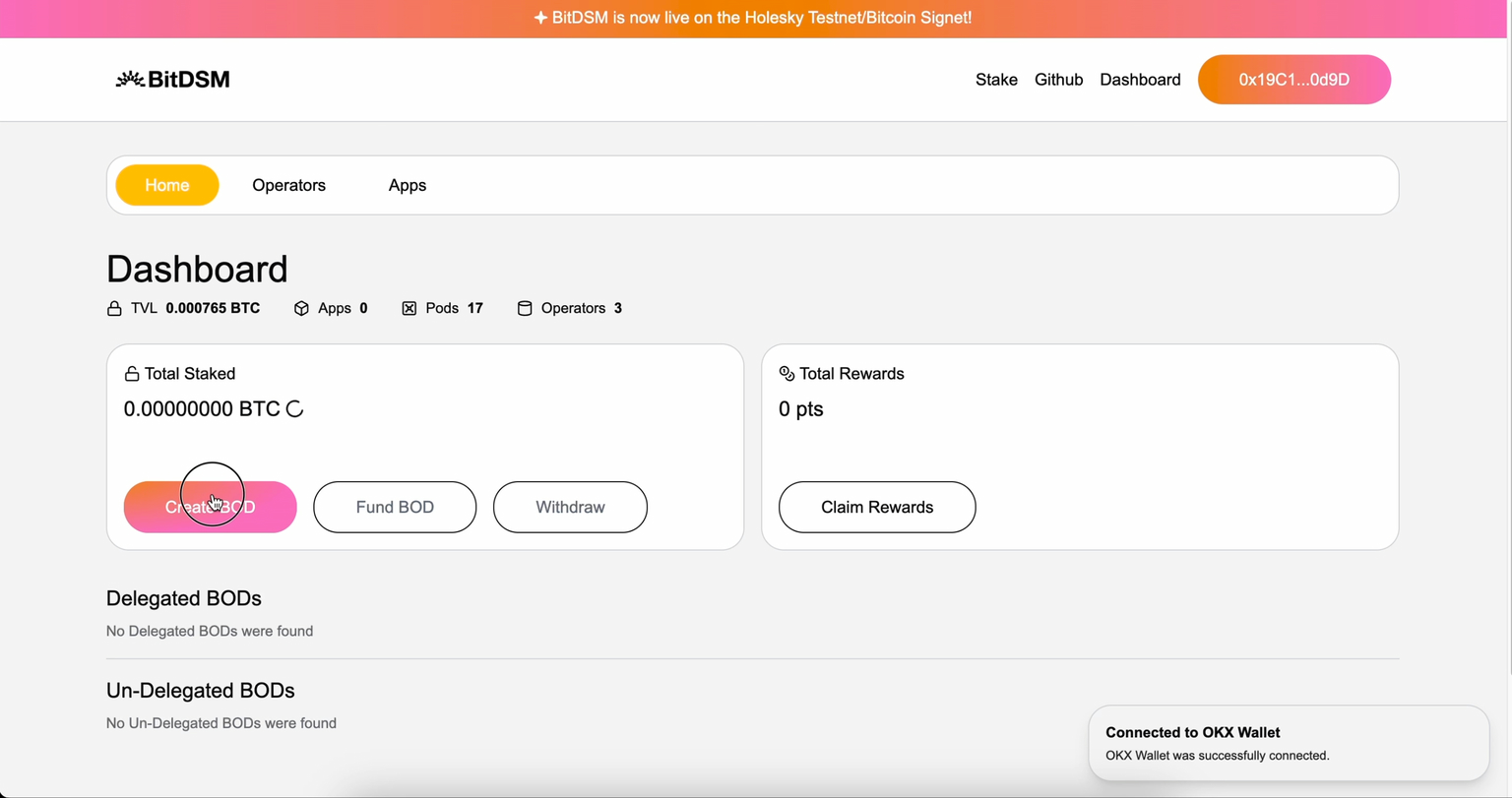
1. Click on “Stake & Earn” button on the homepage or on the “Create BOD” button on the Discover BOD Operators. Alternatively, connect to an ETH wallet to reveal the “My Stakes” Dashboard, and click on “Create BOD” button on the dashboard.
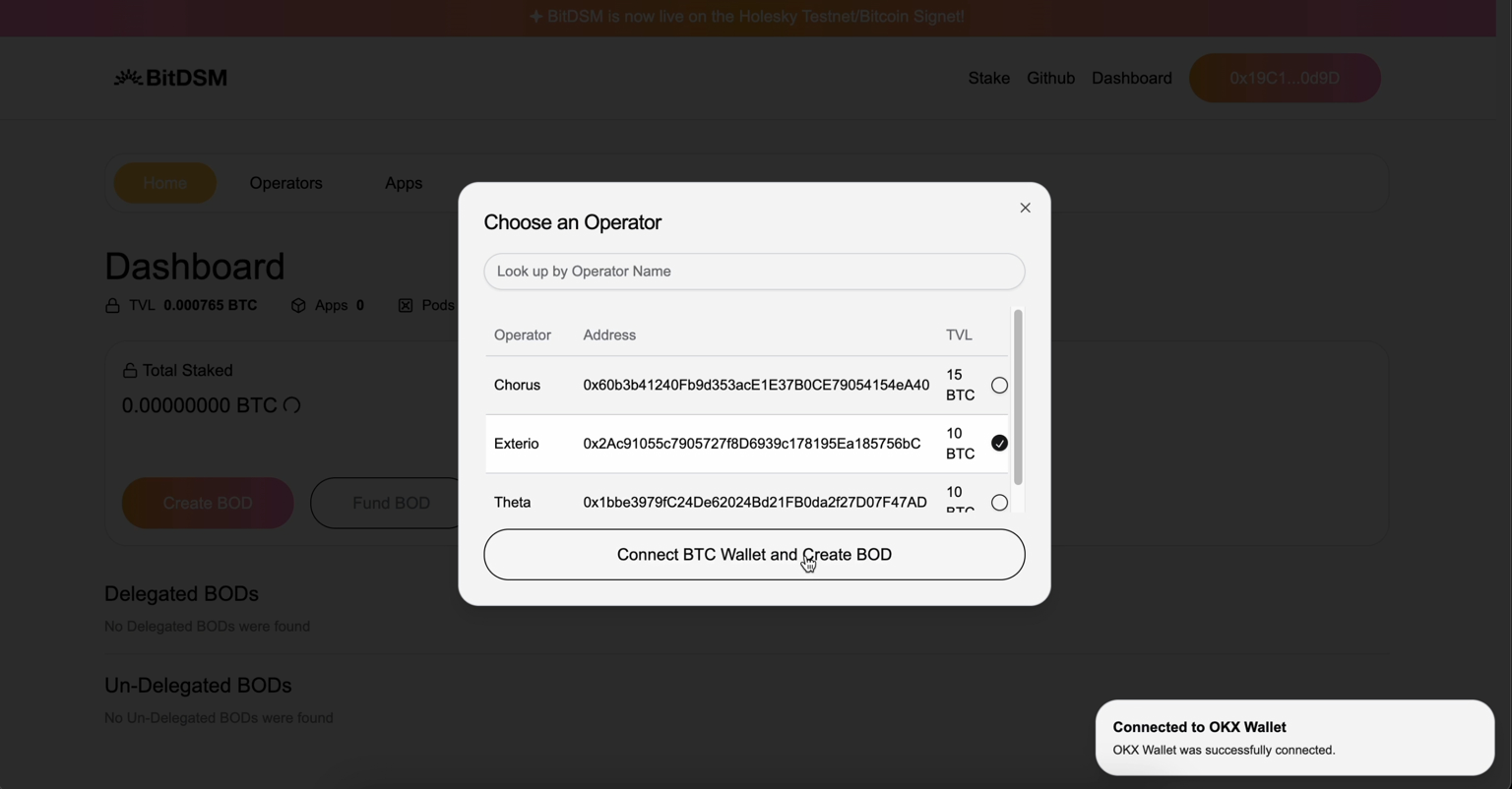
2. On the “Create a BOD” form, connect to a Bitcoin wallet (i.e. OKX Wallet), sign request and choose an operator from the dropdown list, then confirm. On the same form, you can also click on “Read more about Operators” link to find a list of available Operators. You can also “Skip this, I want to use an existing BOD I already own” and skip directly to staking
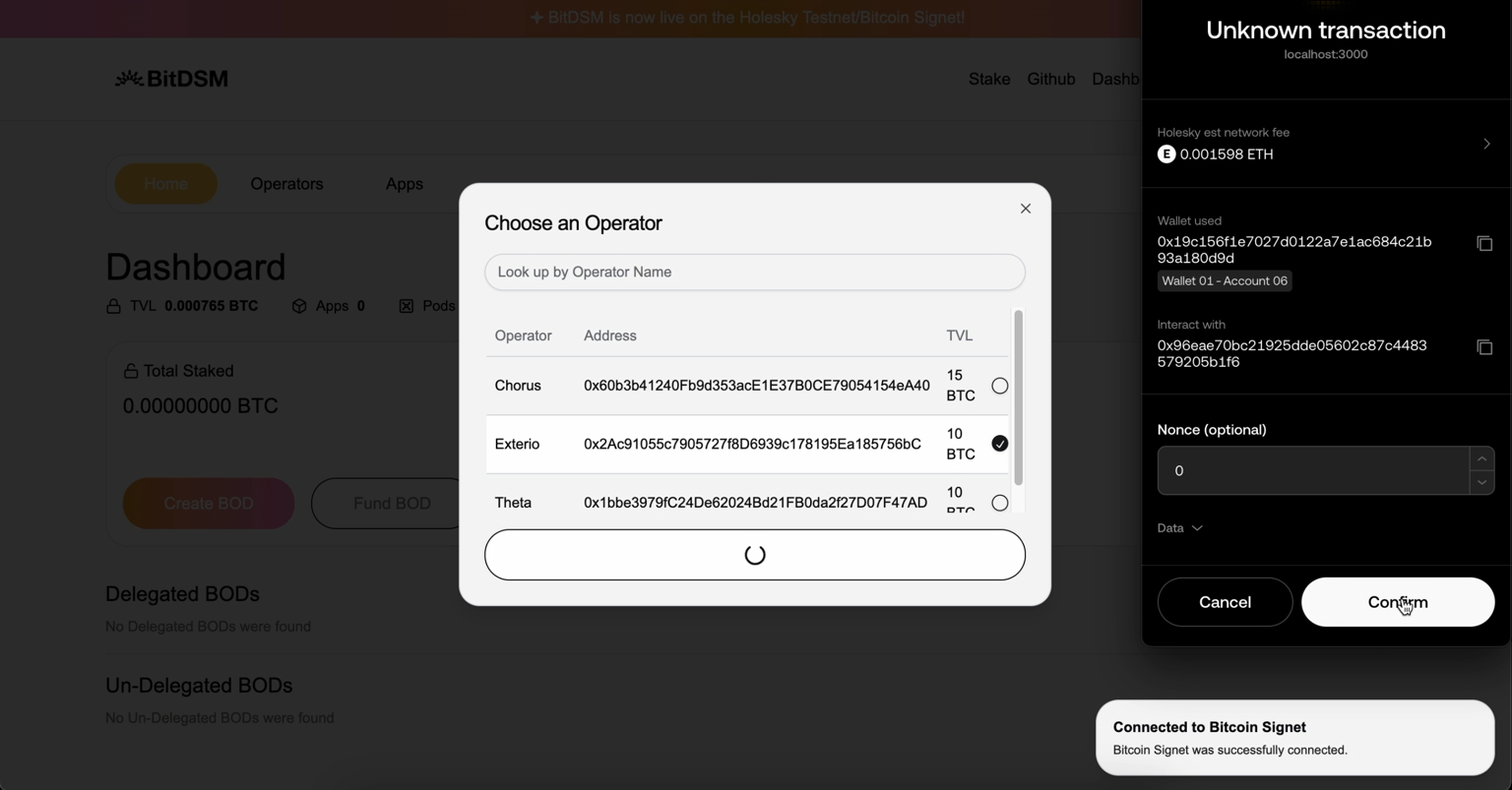
3. In the background, a multisig wallet (BOD) is created and signed by both you and the Operator. A transaction request will be presented. Sign and pay the gas fee for the smart contract deployment by using an ETH wallet.
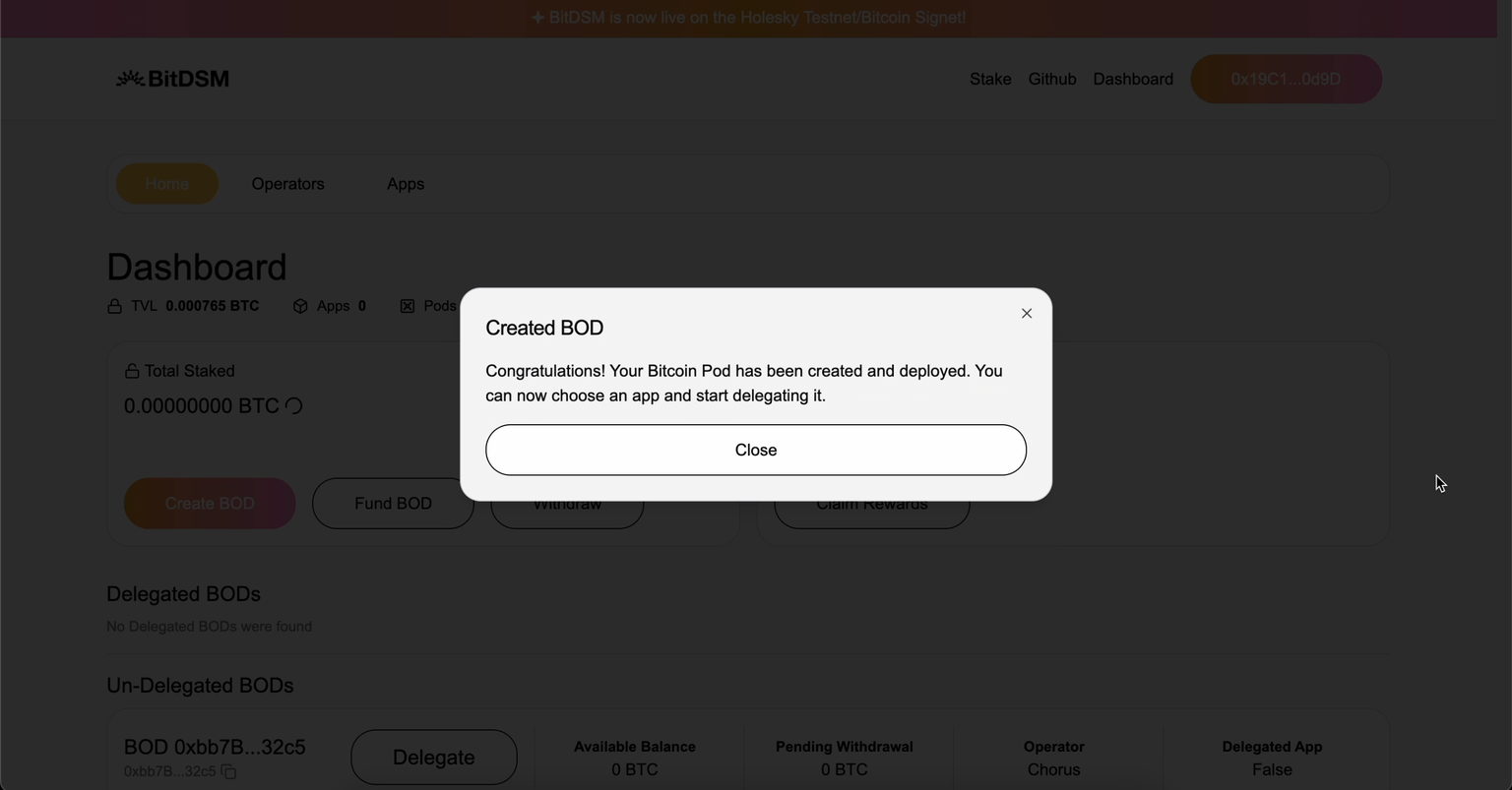
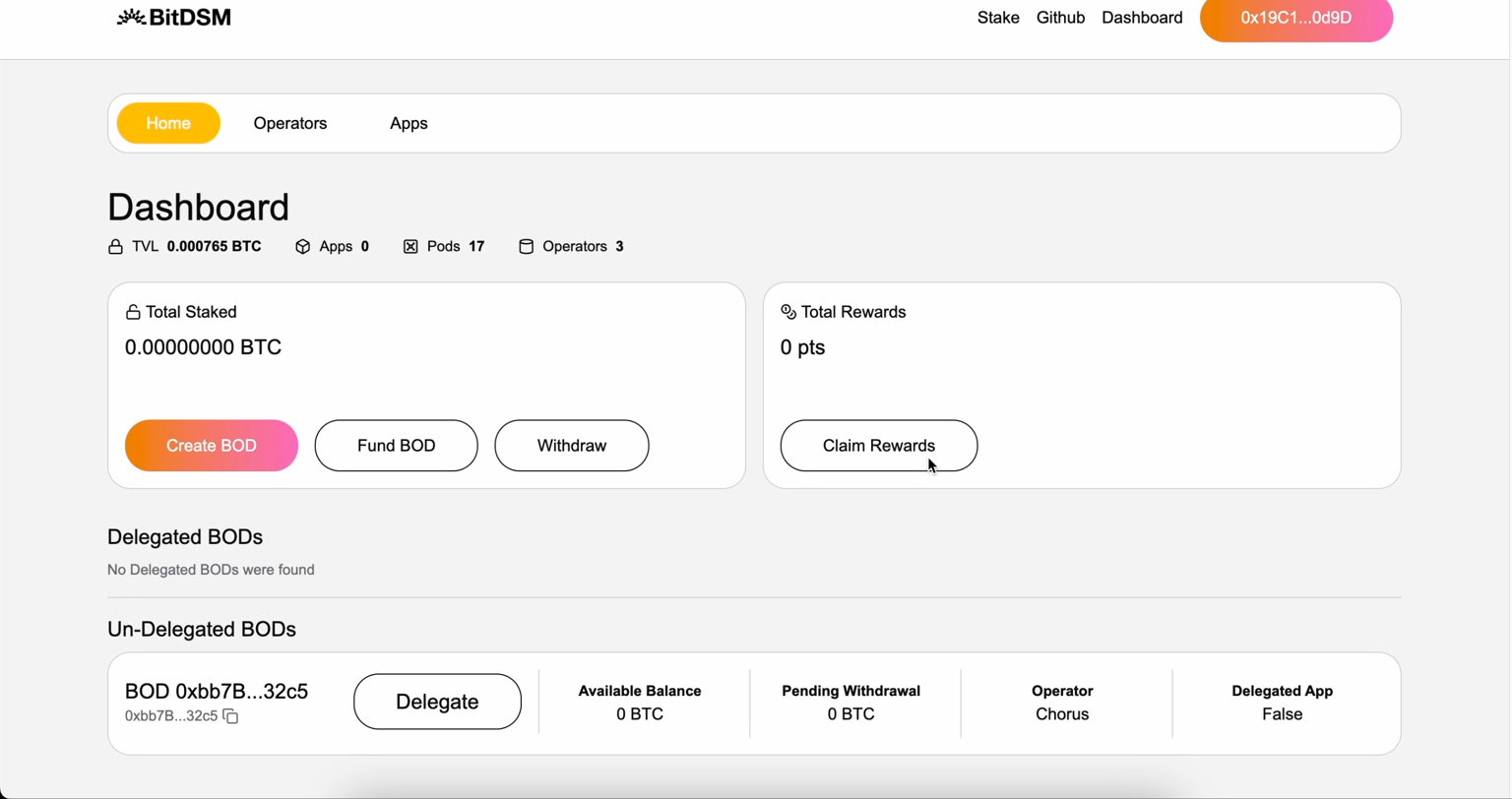
4. Once the BOD has been successfully created, you should receive a confirmation dialog. Check the dashboard by going to the “Staked Assets” tab in the “My Stakes” Dashboard, and in the section “Delegated BODs” you should find the BOD you just created. Congratulations! You are now officially a BOD owners.